
Category: Tutorial
Explore our step-by-step tutorials to help you configure and optimize your web hosting solutions. Learn how to manage your servers, websites and much more with the help of Astral Internet experts.

Create a Minecraft Bedrock Server on Ubuntu 26.04 LTS
Lire la suite: Create a Minecraft Bedrock Server on Ubuntu 26.04 LTSSet up a Minecraft Bedrock server on Ubuntu 26.04 as a permanent service: it starts with the machine, backs itself up every night and updates with a single command. Every command is yours to paste as-is — and the firewall rules are no longer the ones you know.
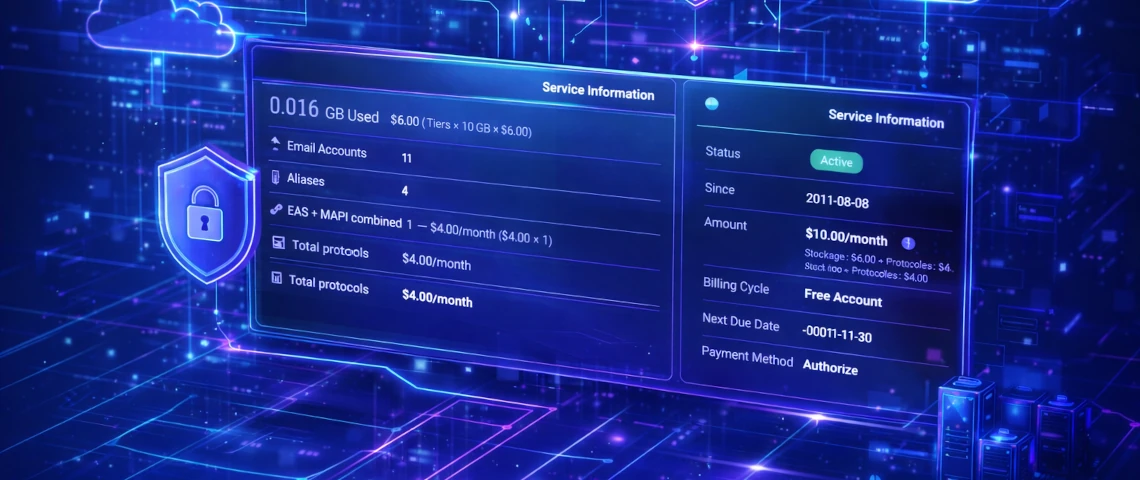
Manage your business email easily from your client area
Lire la suite: Manage your business email easily from your client areaEasily manage your professional email from your client area: creation, configuration, security, and centralized management — all in just a few simple clicks.

Discover OpenPanel, a Real Alternative to cPanel
Lire la suite: Discover OpenPanel, a Real Alternative to cPanelOpenPanel is a fast, secure, and affordable alternative to cPanel. Built on Docker, it offers strong isolation, advanced tools, and exceptional flexibility for modern hosting needs. It’s a powerful option for businesses seeking better performance, tighter security, and more freedom in their web environments.

Yoast SEO: Why Activating It Isn’t Enough to Improve Your SEO
Lire la suite: Yoast SEO: Why Activating It Isn’t Enough to Improve Your SEOInstalling Yoast SEO doesn’t guarantee better rankings. The plugin offers guidance, but it’s up to you to apply it. Learn how to optimize your content and make the most of Yoast SEO to improve your SEO.

How to Secure WordPress: Essential Steps for a Safe Website
Lire la suite: How to Secure WordPress: Essential Steps for a Safe WebsiteSecuring WordPress is essential to protect your site from cyberattacks. By following best practices and using the best security plugins, you can significantly reduce risks and ensure the reliability of your site.

Guide to BIMI DNS records for your emails.
Lire la suite: Guide to BIMI DNS records for your emails.BIMI (Brand Indicators for Message Identification) allows a brand’s logo to be displayed alongside authenticated emails, thereby reinforcing the credibility of messages. To implement it, a business must configure a BIMI DNS record, a logo in SVG format, and in some cases a VMC certificate.